
⏱ 4 min read
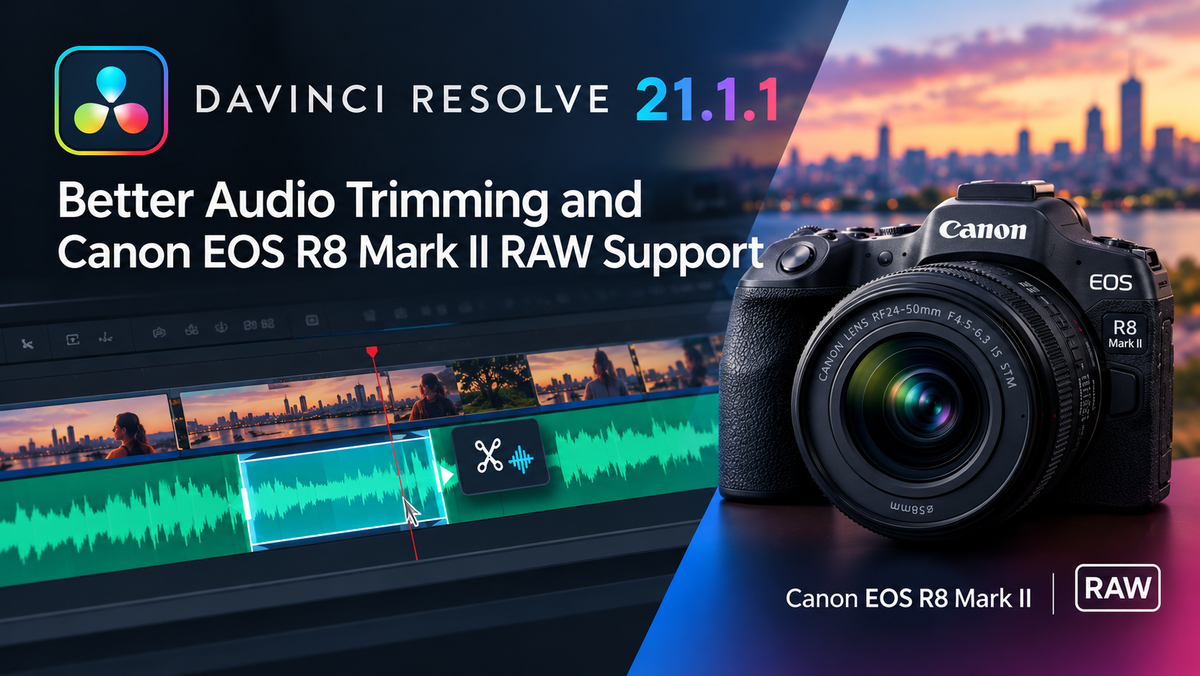
DaVinci Resolve 21.1.1 Is Here: Better Audio Trimming and Canon EOS R8 Mark II RAW Support
Blackmagic Design has pushed out DaVinci Resolve 21.1.1, and while it may look like a modest point release on the surface, the improvements inside are the kind that editors and sound designers notice immediately. From tighter audio trimming behaviour to native RAW support for Canon's latest mirrorless camera, this update is worth installing without delay.
What's New: Audio Trimming Gets a Meaningful Upgrade
Audio editing in DaVinci Resolve has always been capable, but fine-grained trimming — particularly when you need to shave a few frames off a dialogue clip or tighten a music edit — could occasionally feel less precise than editors coming from dedicated DAWs would like.
Version 21.1.1 addresses this directly with improvements to the audio trimming workflow. The result is a more responsive, predictable experience when working on the Fairlight page or trimming audio directly in the timeline. For anyone cutting corporate videos, documentary interviews, or narrative work where sync and timing are critical, this alone makes the update worthwhile.
Precision in the edit is everything, and Blackmagic's continued investment in the audio side of Resolve is a clear signal that they take the full post-production pipeline seriously — not just the colour grade.
Canon EOS R8 Mark II RAW Support Arrives
The other headline feature is native RAW support for the Canon EOS R8 Mark II. This is significant for a straightforward reason: Canon's EOS R series has become a go-to choice for a huge range of shooters, from documentary filmmakers and wedding videographers to content creators working at a high level.
Previously, bringing Canon RAW footage into Resolve often meant an intermediate transcode step, which adds time and storage overhead to any project. With 21.1.1, you can drop Canon EOS R8 Mark II RAW files directly into your timeline and begin grading immediately — with full access to the RAW controls in the Camera Raw panel.
If you shoot Canon and grade in Resolve, this is the update that makes your camera a first-class citizen in your colour suite.
Why These Updates Matter for Studio Users
It is worth noting that some RAW processing features and the full depth of Resolve's colour science tools are exclusive to DaVinci Resolve Studio — the paid, fully unlocked version of the software. The free version is extraordinarily capable, but working with RAW formats at a professional level, using noise reduction on GPU, and accessing collaborative features all sit behind the Studio licence.
How do you buy DaVinci Resolve Studio? You purchase a single licence from an authorised reseller like mediaTITANS, and the activation code is delivered to your inbox automatically — typically within ten minutes of your order, any time of day or night. No waiting for a physical card, no subscription renewals.
That kind of instant access matters when you've just updated to 21.1.1 and you want to get into your Canon RAW footage right now.
Keeping Your Resolve Installation Current
Point releases like 21.1.1 are easy to overlook when you're mid-project, but they consistently include stability fixes and compatibility updates that keep your pipeline running smoothly. Camera support in particular — like the EOS R8 Mark II addition — tends to arrive through these smaller updates rather than major version jumps.
The habit of updating promptly pays off: you avoid the situation where a client delivers footage from a new camera body and your software simply doesn't recognise it.
If you're managing a teaching lab or student production facility, keeping multiple seats current is equally important. Education and bulk licensing options are available through mediaTITANS on purchase order, making it straightforward to roll out updates across a department.
Ready to Get the Most from DaVinci Resolve 21.1.1?
The free version will take you a long way, but to unlock the full power of RAW grading with Canon footage — and every other professional feature Blackmagic has built into the platform — you'll want the Studio licence. As an official Blackmagic Design authorised reseller, mediaTITANS includes a free AI guide with every purchase: a practical handbook for using Claude and ChatGPT alongside Resolve, complete with ready-to-run scripts.
Upgrade to DaVinci Resolve Studio from mediaTITANS and have your activation code in your inbox before your next cup of coffee goes cold.
Free Download
DaVinci Resolve: Free vs Studio
Get the complete 2026 comparison guide. Find out exactly what you get with the free version, what Studio unlocks, and whether the upgrade is worth it for your work.
📄 Get the Free Guide →